Everything your team needs to write it down and find it again
QuillBase keeps to the things a team wiki has to do well. All of it is included in every plan.
Write
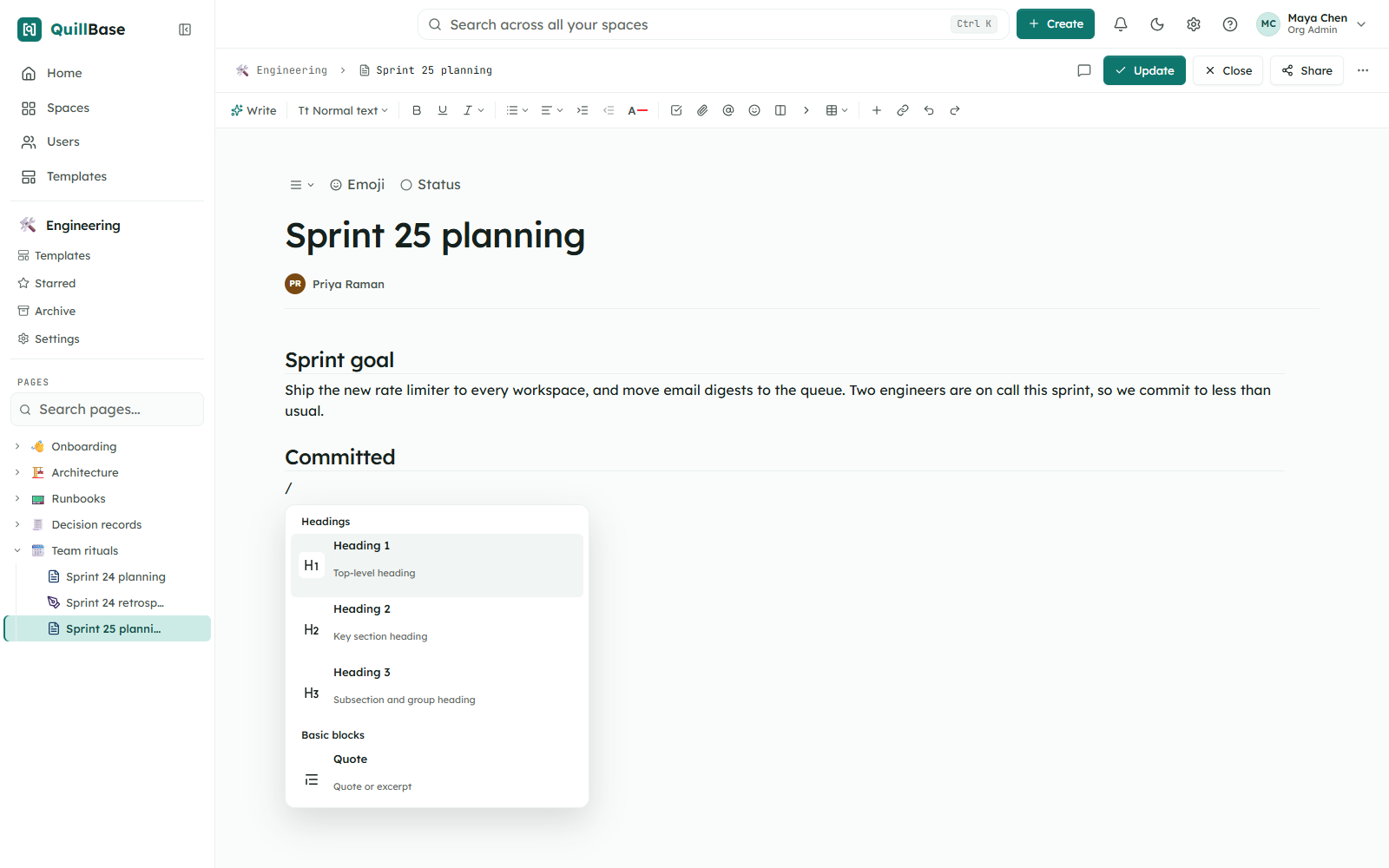
A block editor that stays out of your way. Type / to add anything.
- Slash menu for every block type
- Tables with cell colors, sortable while reading
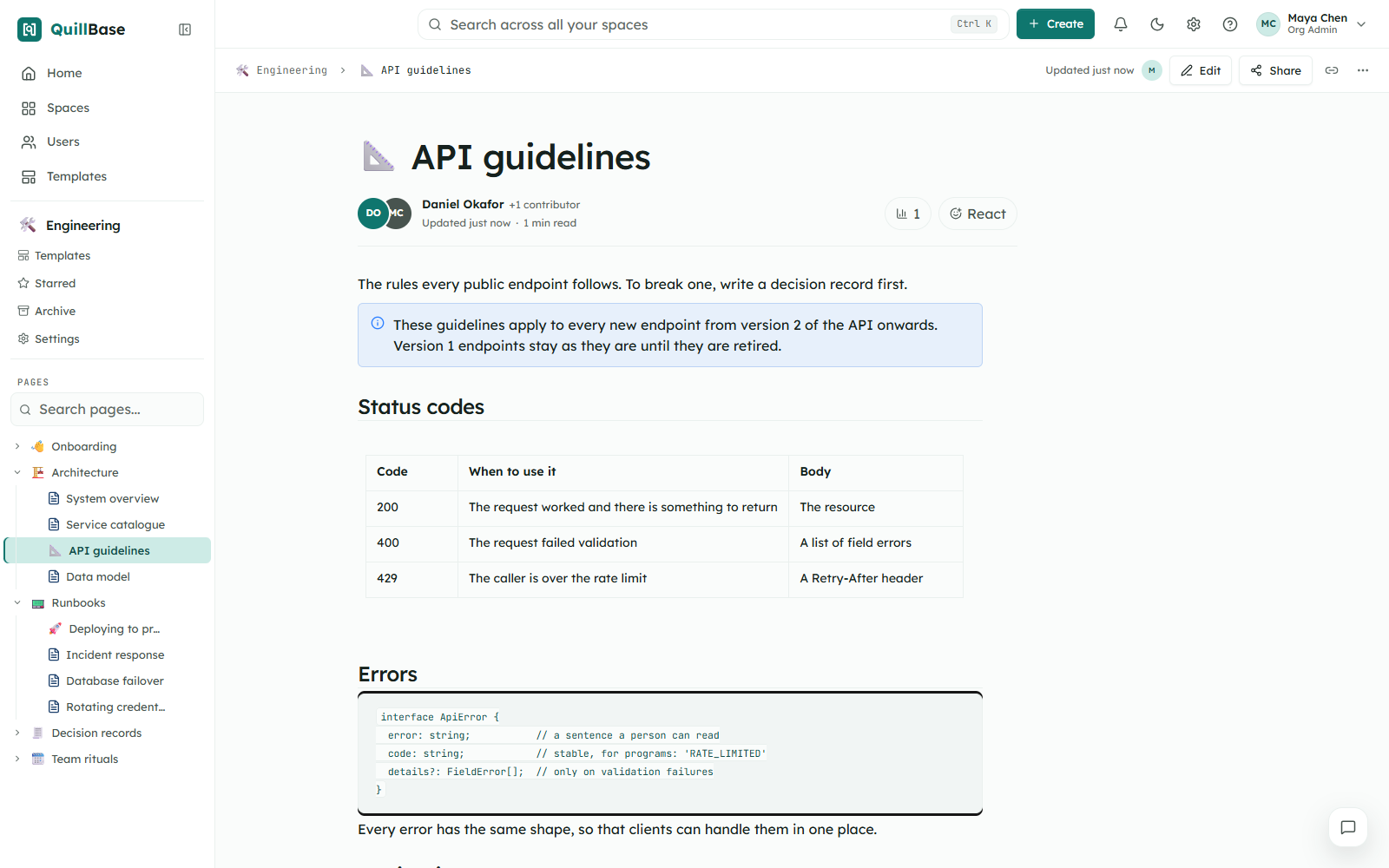
- Code blocks
- Info, note, success, warning and error panels
- Expandable sections
- Images, video, audio and file attachments
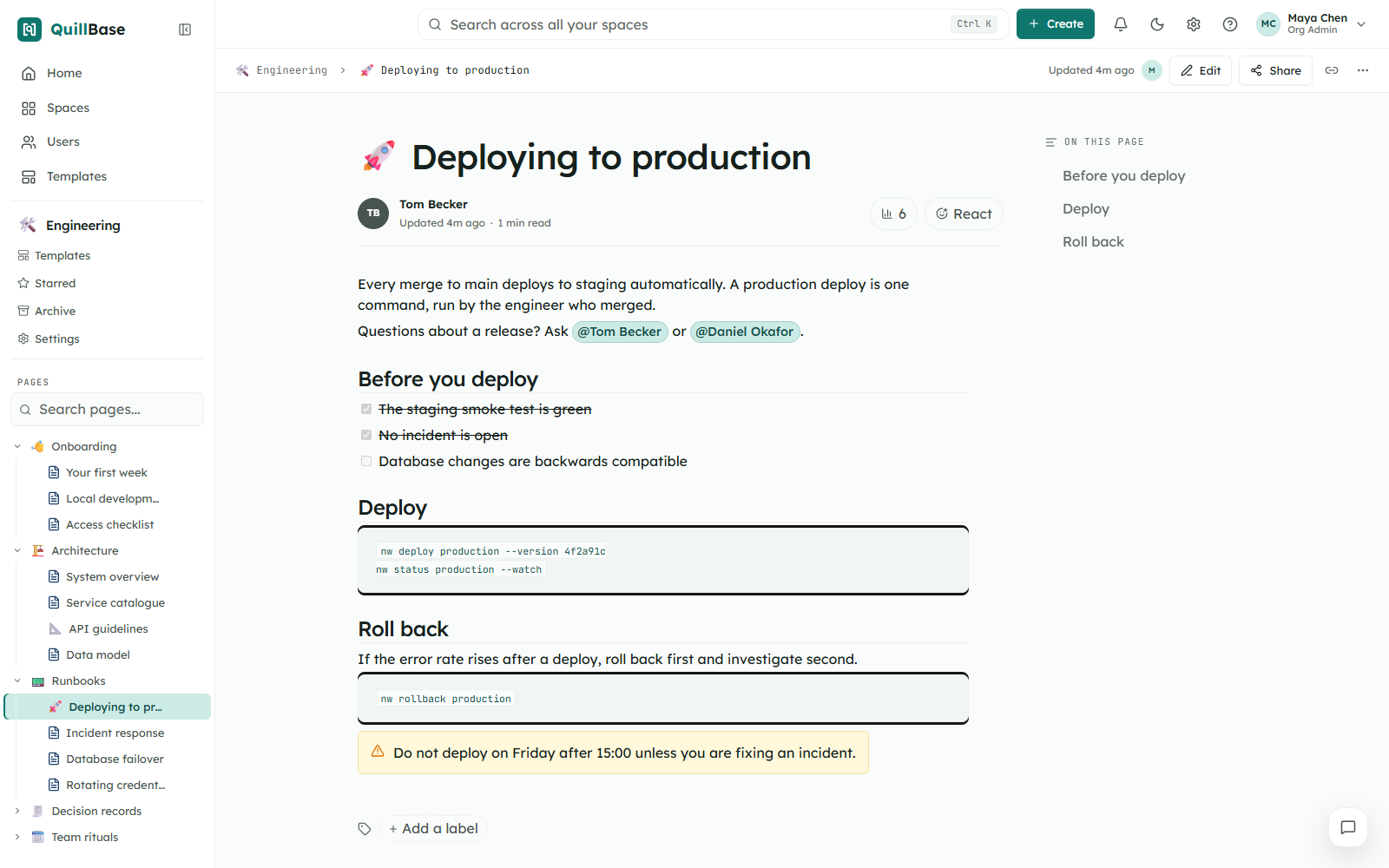
- @mentions
- Custom emoji for page icons
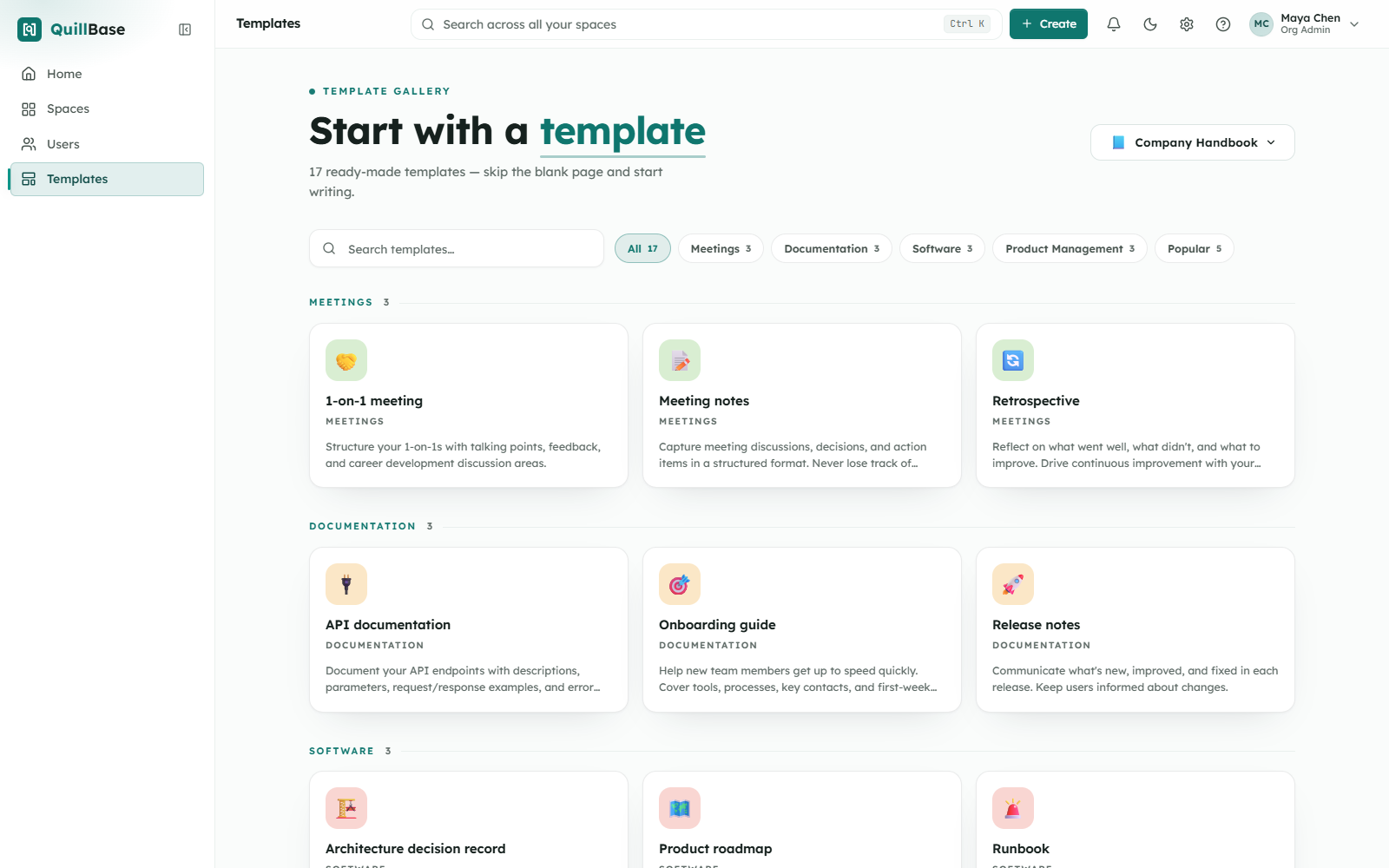
- Save your own templates to start new pages faster
Organize
Structure that matches how your teams work.
- A space for each team or project
- A page tree that nests as deep as you need
- Version history for every page
- Labels
- Starred pages
- Archive and trash
- Templates for a space or the whole workspace
Work together
Talk about the work where the work is.
- Comments and reactions on pages
- @mentions
- Notifications in the app, and by email for mentions and access requests
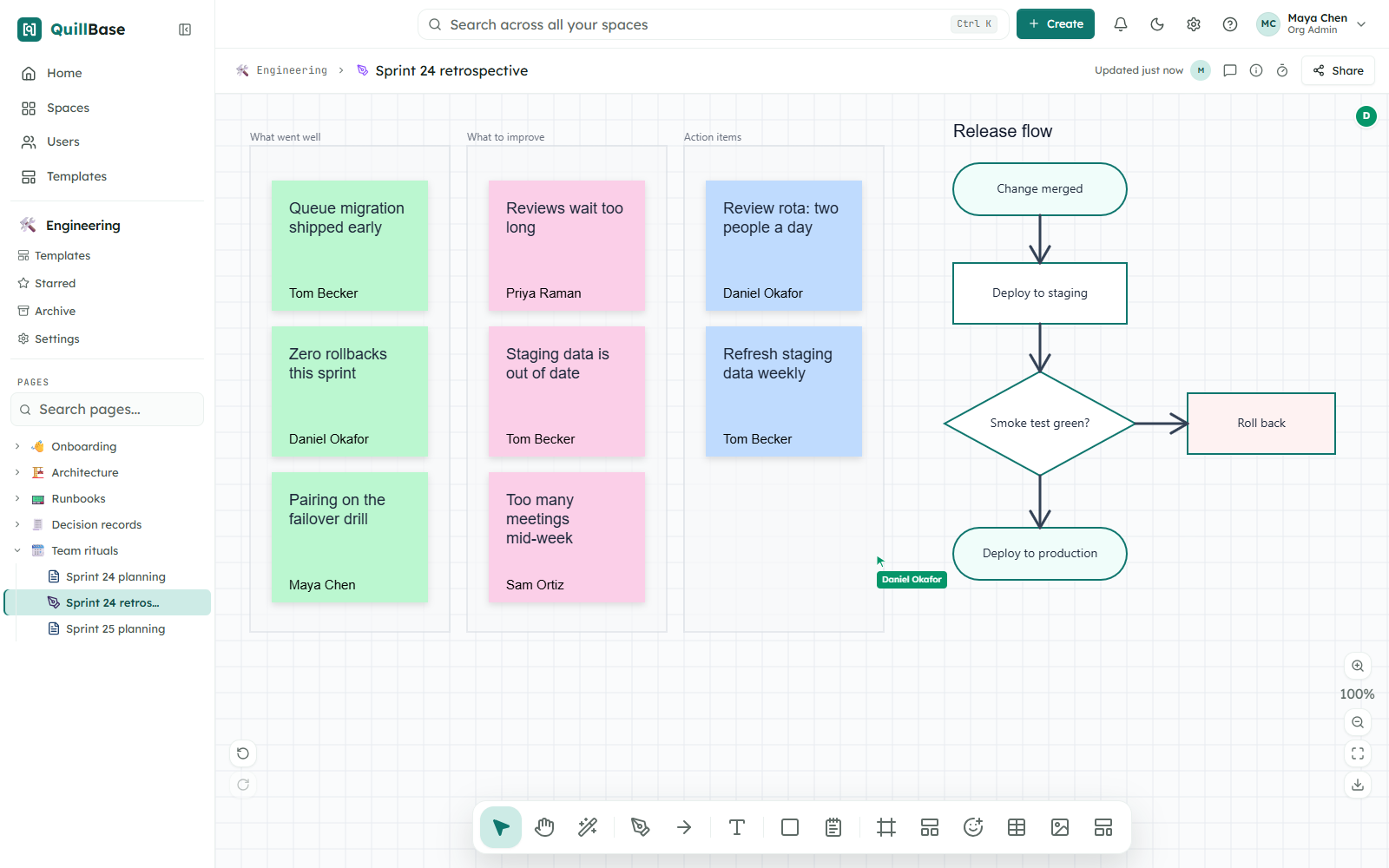
- Built-in whiteboards with real-time collaboration and live cursors
- Board templates: Brainstorm, Retrospective, Flowchart starter, Kanban board, SWOT analysis
- Team and people profiles
Control who sees what
Access is set in layers, so the common case is simple and the special case is possible.
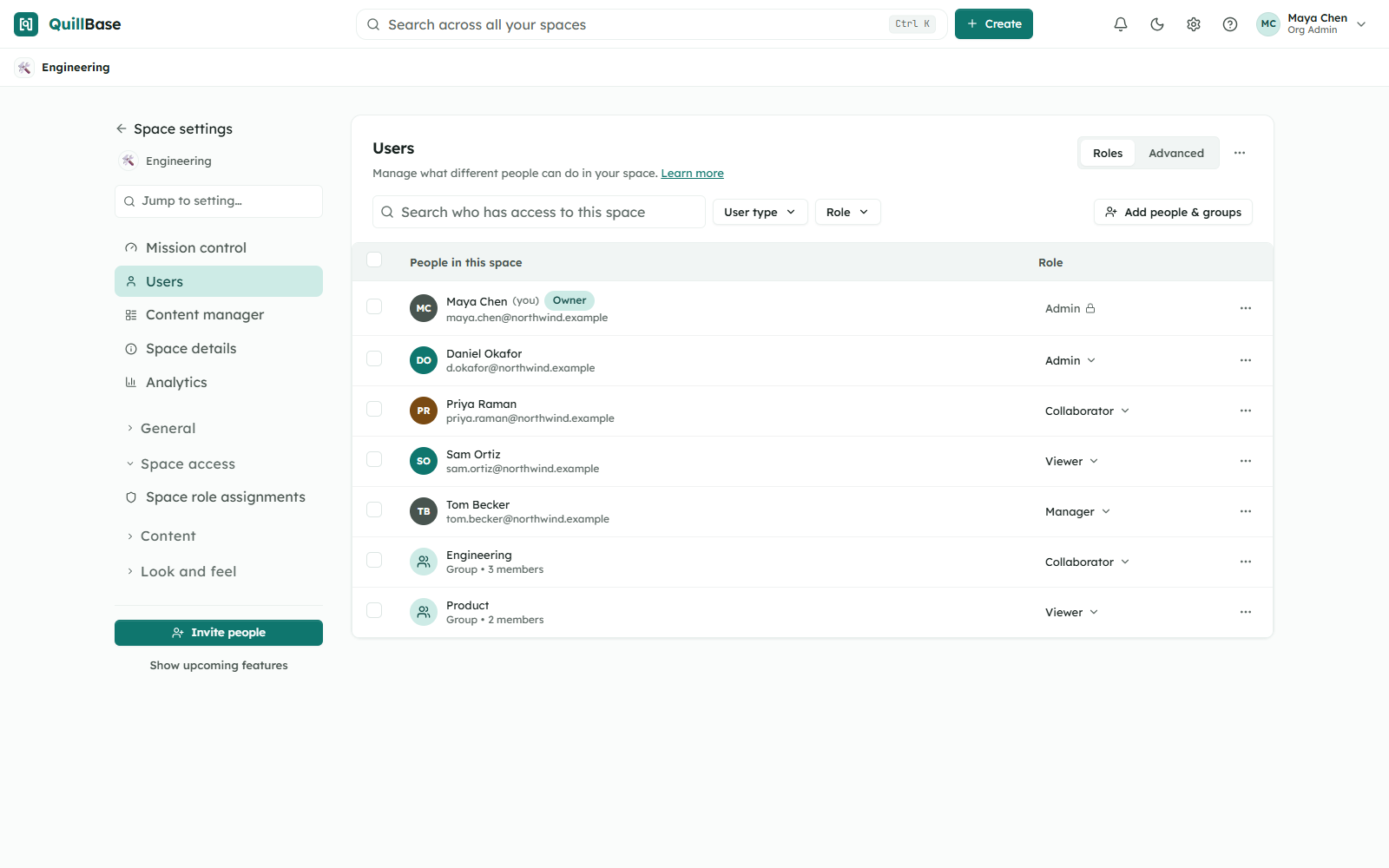
- Roles for the whole organization
- Roles for each space
- User groups
- Restrictions on a single page
- Restricted pages hidden from lists and search
- Reusable permission templates
- Access requests
- A report of who can see what
Find
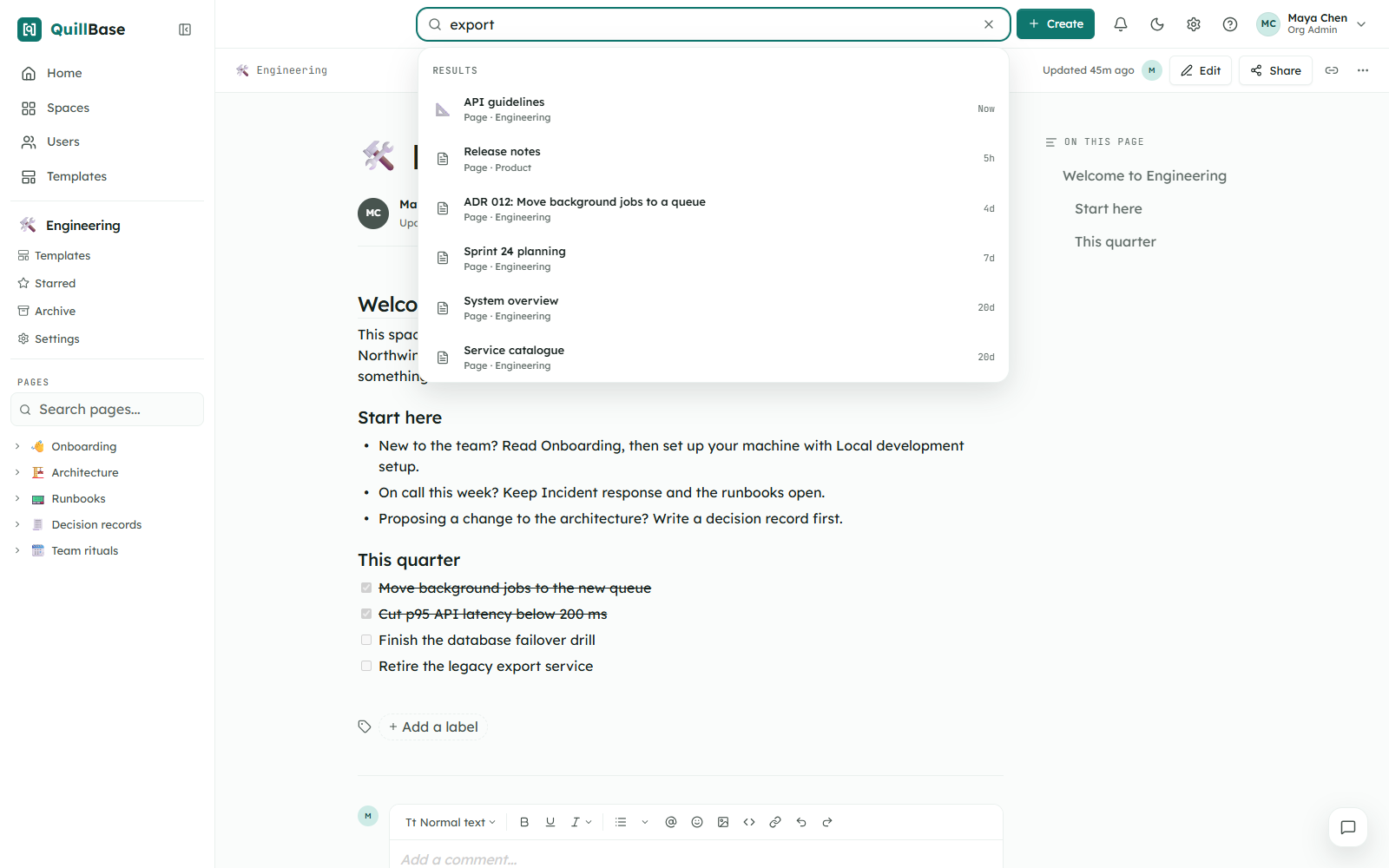
Search across every space you are allowed to see. Results respect permissions, so nobody finds a page they cannot open.
Run your workspace
The tools an administrator needs, without extra apps.
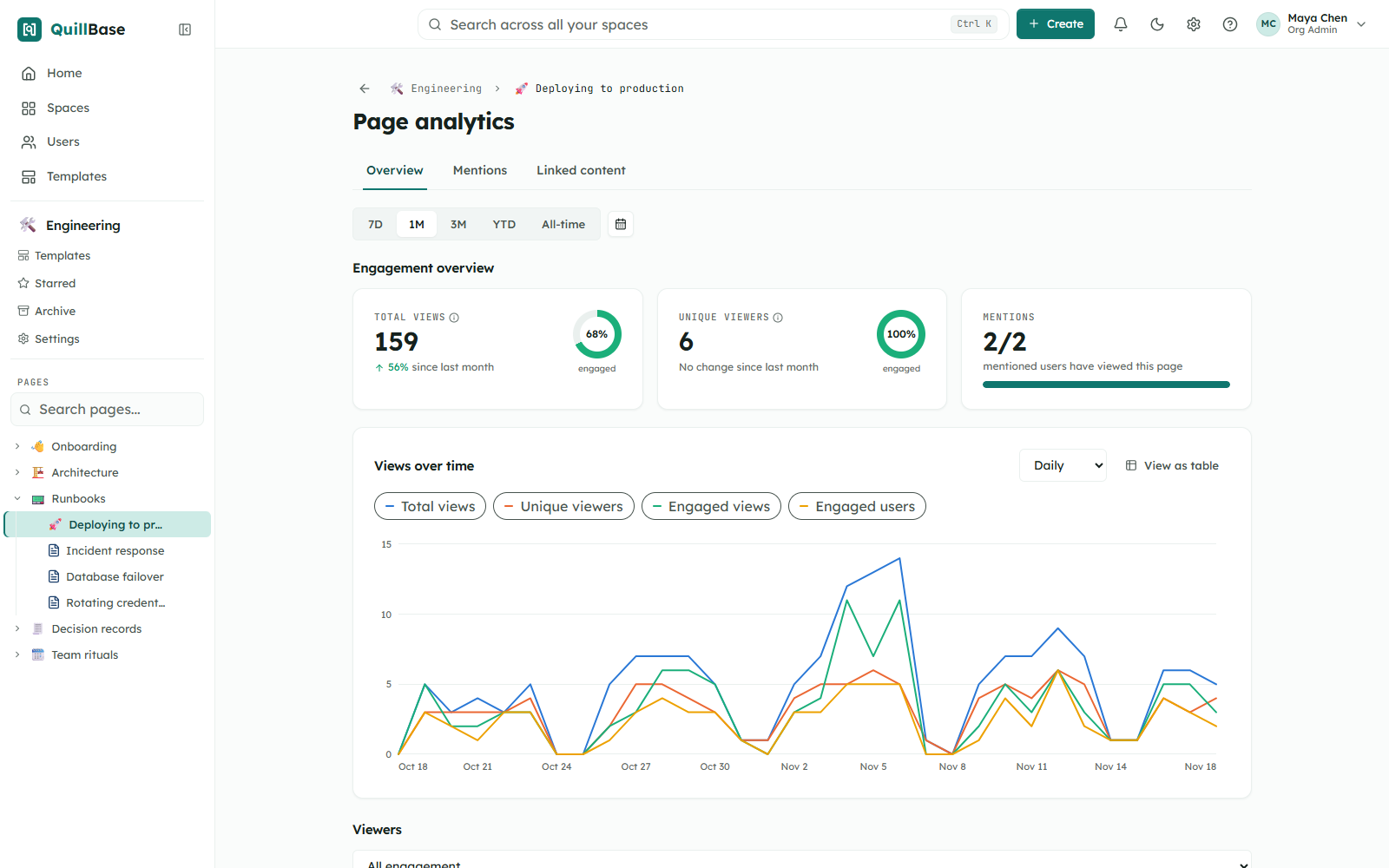
- Page analytics: page views
- Workspace analytics and space reports
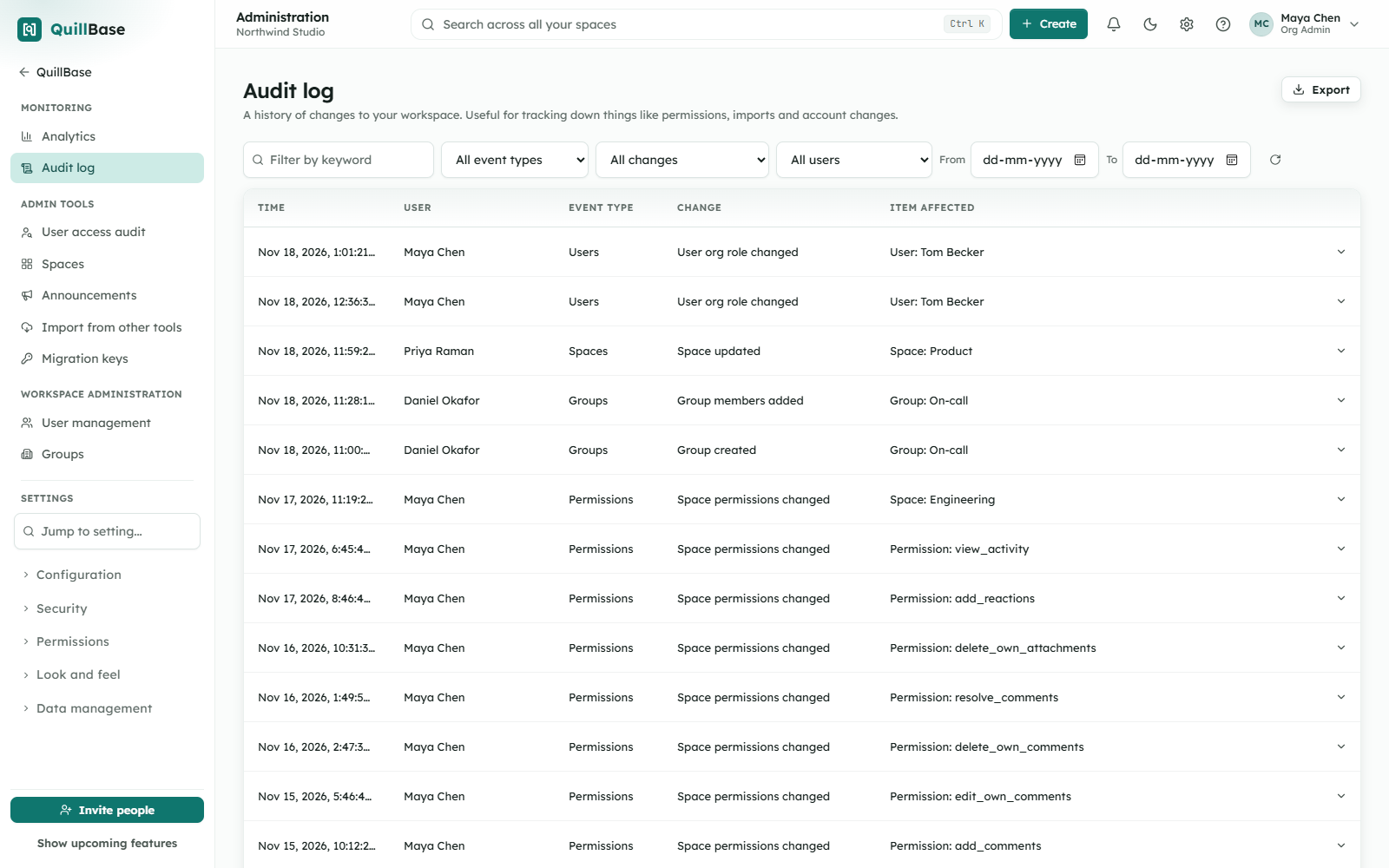
- Audit log
- Announcements
- Your own theme, header, footer and logo
- Watermarks
- User and group management
- Backup manager
- Two-factor sign-in
Bring content in, take it out
Your content is never locked in.
- Guided import from your existing cloud wiki
- Import Word, PDF and CSV files
- Export a page to PDF, Word or Markdown
- Export a whiteboard as an image
- Administrators can download a backup of pages and comments
Questions
Are any features paid extras?
No. Every feature is in every plan, in the cloud and self-hosted.
Is there a limit on spaces or pages?
No. There is no limit on spaces, pages or users. A single file can be up to 500 MB for images, video and audio, and up to 25 MB for other files.
Does it work on a phone?
Yes, in the phone's browser.
Is there a dark theme?
Yes. Each person can choose light or dark.
Try every feature with your own team
Everything on this page is unlocked in the 7-day trial. No credit card.